Just days after launch, the Amazfit T-Rex Ultra 2 is already receiving its first major software update. The new 3.1.6.1 firmware version adds offline route planning, scuba diving support, grade-adjusted pace, optimized maps and navigation services, and a built-in flashlight, making it even more powerful for outdoor adventurers.
Flashlight & Voice Memo Added
The update brings Night Mode vision to the Control Center and activates green and white flashlight options, which are useful for outdoor activities in low-light conditions.
Like Coros watches, the Amazfit T-Rex Ultra 2 now includes a voice note feature. Users can pin voice notes to their running or hiking sessions and later review them along with their previous workouts.
Biocharge & New Coordinate Optimization
A new Biocharge function has been added to monitor multi-dimensional health metrics and determine day-to-day health status.
The update also supports additional coordinate formats and coordinate systems. Users can access these options through Settings > Preferences > Coordinates.
For deep-water activities, the watch now includes a recreational scuba diving mode, allowing users to explore underwater environments more effectively.
Grade-Adjusted Pace Added
With grade-adjusted pace, runners can better understand their true effort when running uphill or downhill — a major advantage for trail runners.
You can enable this feature by going to:
Outdoor Running / Trail Running > Workout Settings > More > Data Page > Pace > Grade-Adjusted Pace / Avg Grade-Adjusted Pace
Improved Maps & Navigation
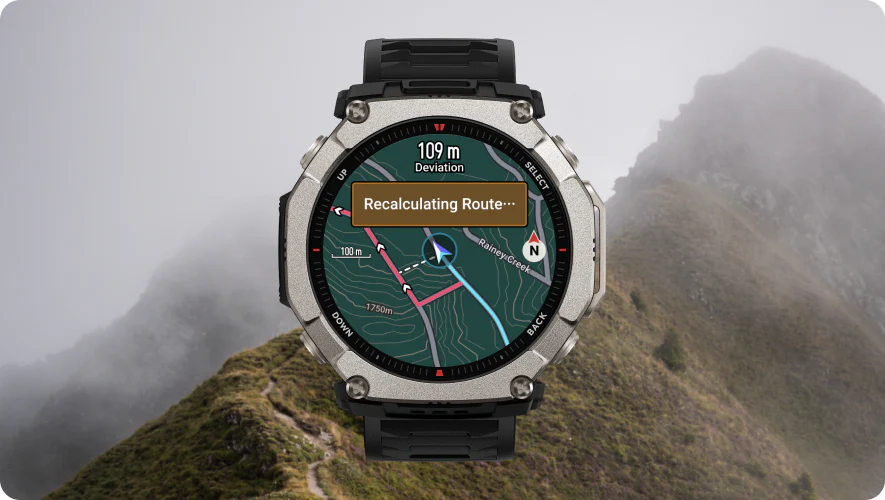
The Map app now supports offline navigation planning, route planning during workouts, and the ability to create round-trip courses during running sessions. This section has also been optimized to improve performance and overall usability.
Overall, with this first software update, Amazfit has added several important features and improved core outdoor functions.
How to Download the New 3.1.6.1 Firmware
To install the latest update, follow these steps:
- Open the Zepp app
- Go to Devices
- Select Amazfit T-Rex Ultra 2
- Scroll down and choose General
- Tap on System Update
The firmware is rolling out gradually, so it may take some time to reach all users.

Leave a Reply